Easily Put Date and Time on Photos/Pictures
To better remember people and places captured in our digital photographs it's useful to have the original date and time imprinted on the images themselves.
To better remember people and places captured in our digital photographs it's useful to have the original date and time imprinted on the images themselves.
Most digital cameras have the option to print the date/time on photos when they are taken and this is the easiest way to add the date/time to our pictures. However there are some drawbacks:
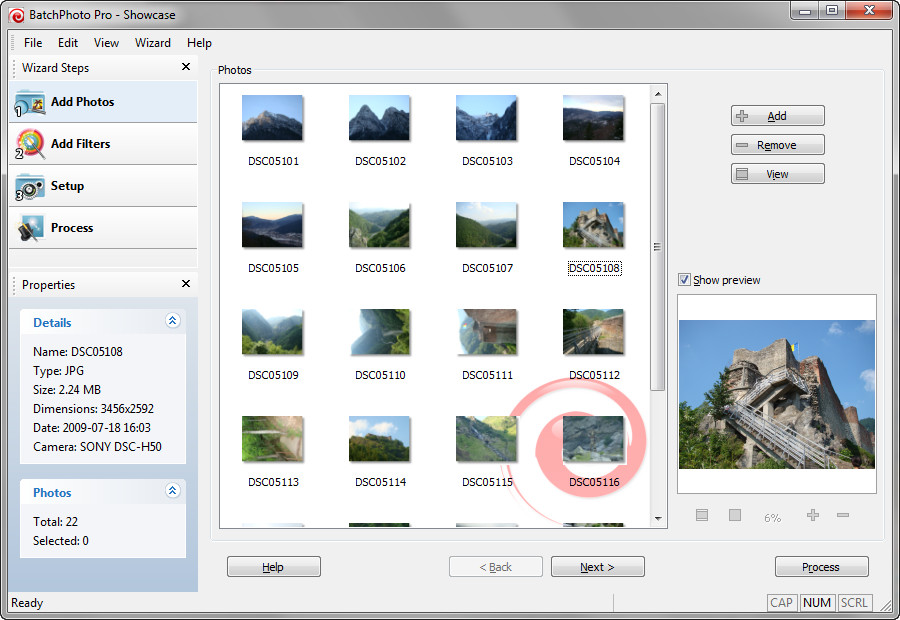
But there is a better way to add date/time stamps to photos and that is to use a specially designed software to do the job automatically for dozens of pictures. Firstly the digital photos need to be transferred to our computer where backup copies will be made, then we will use a program to add the date/time stamp on dozens of pics at once.
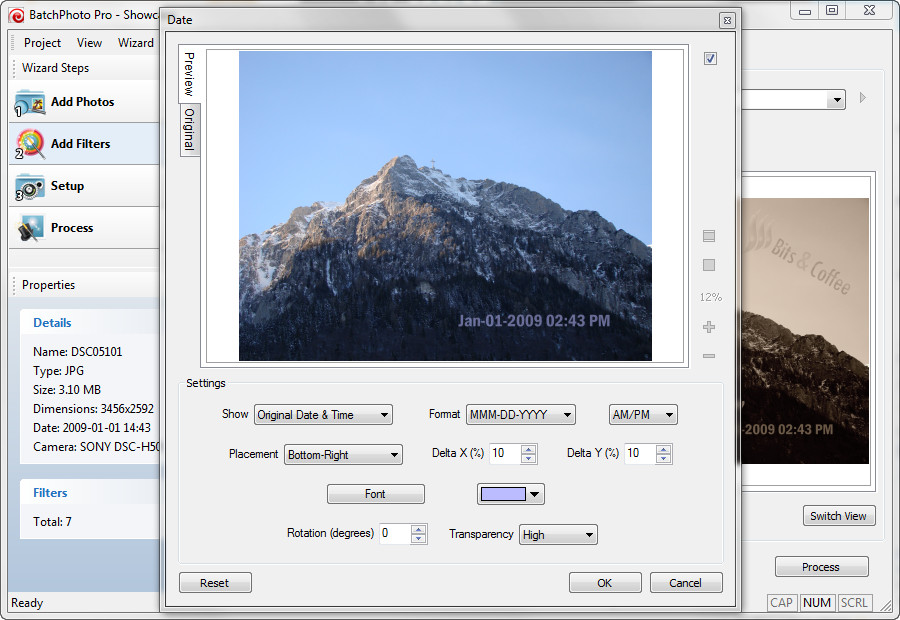
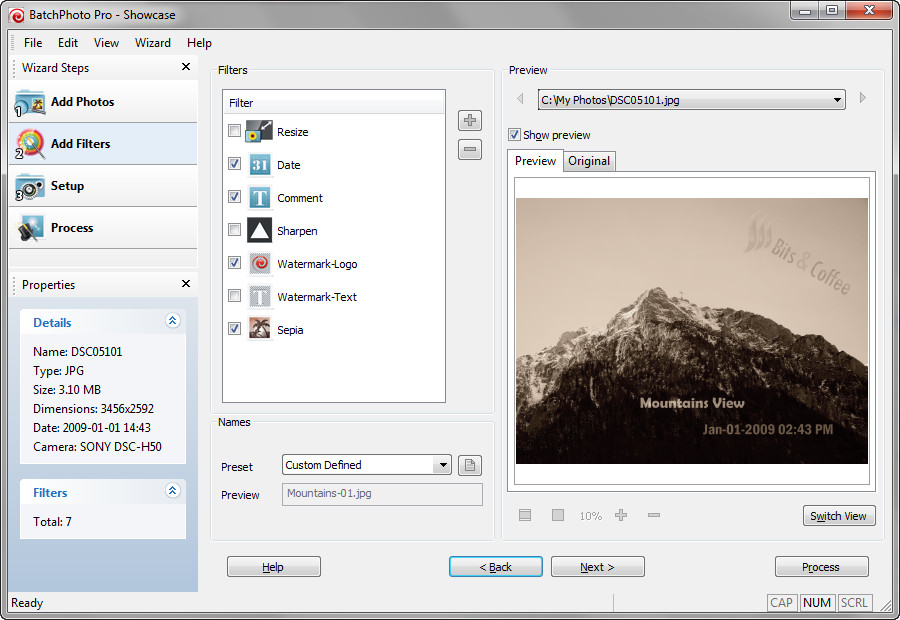
BatchPhoto is such a tool. The program can put date/time stamps on pictures very fast and for all your photos at once. BatchPhoto reads the original date and time when the photo was taken from the digital photo itself so you don't have to worry about this. The program allow you to set the date format, font style, color and placement and can also stamp date/time on pictures directly from Windows Explorer right-mouse-click menu!
But why not try for free the fully-featured trial version of BatchPhoto and see if it's the right tool for you? To download the trial just left-click on the "Try it Free" button bellow!

Note: BatchPhoto works with Windows® XP, Vista, 7 as well as the other Windows systems.